Tips & strategy
Simple controls change the learning curve
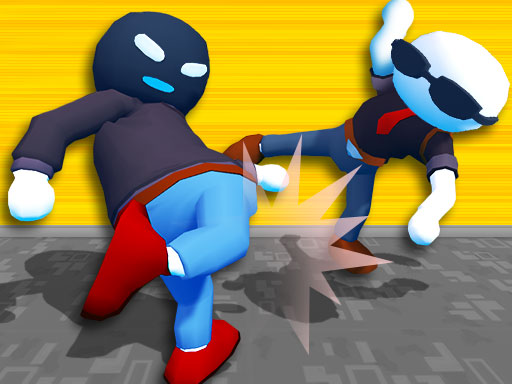
The menu offers a simple control setting. Its Attack button builds combinations, while Block and Super handle defense and the charged move. Start there if separate actions are hard to coordinate, then explore the keyboard controls as you recognise attack range.
Arcade is a sequence of fights
The Arcade introduction shows five opponents, ending with The Editor. Read each stage’s opponent and arena before pressing Fight. Losing the first fight does not require changing games: Try Again lets you practise the same matchup and compare what happened.
Weapons, power and the arena
Walk over a weapon to pick it up. Build the power bar for the fighter’s special, and pay attention to the current arena rule. The floating dark-mode switch also changes gravity, so a familiar jump may behave differently after the arena changes.
Playing with a friend
Choose 2 Players for a local match on one device. That mode has its own keyboard layout, so check its instructions instead of giving both players the solo keys. On touch screens, leave enough room for each player’s controls.
Practise one exchange
First learn to approach without swinging from too far away. Next add a block and a short answer. Only then try longer combinations or the special. This gives the health bars a clear meaning: you can connect a change in the result to the action you just practised.
Game modes
Arcade, Versus, 2 Players, Daily Challenge and Survival. Arcade has four rivals and a final boss. The menu also offers a tutorial and difficulty choices.
Game references
Controls and rules follow the creator and supplier references below. The strategy above suggests ways to practice these mechanics.