Ragdoll Gangs

Ragdoll Gangs

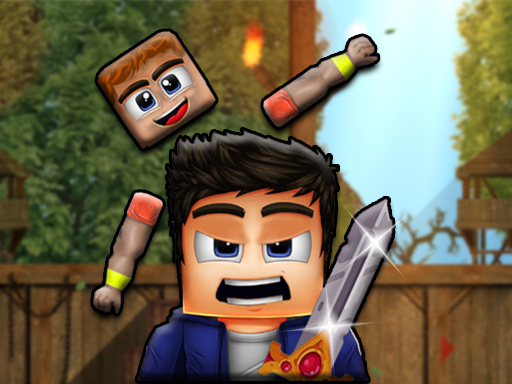
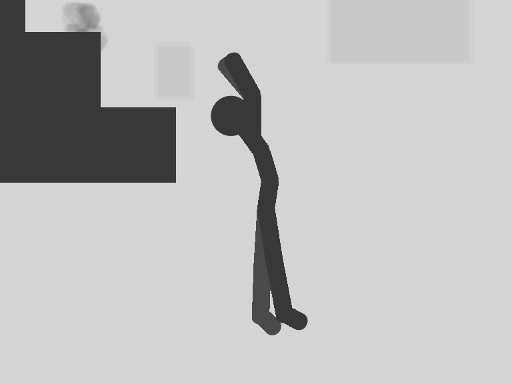
Brawl, grab and throw in Ragdoll Gangs. Play solo adventure stages or challenge a friend in the arena.

The adventure mode uses different objectives across six stages, including fights and throws from high platforms. Arena mode turns those loose physics into short duels. Movement, grabs and the edge of the stage are all part of the fight.

Developer: RHM Interactive · Game supplied by GameMonetize

Controls

Player 1: WASD move, C grab/throw, V punch, B kick, left Shift run. Player 2: arrows move, I grab/throw, O punch, P kick, right Shift run.

This version is best played on a computer with a keyboard and mouse.

Ragdoll Gangs: Gameplay video

Watch the difference between punching an opponent and grabbing to throw. Pay attention to the player’s position relative to the platform edge.

Gameplay footage supplied by GameMonetize

How to play: Ragdoll Gangs

Follow each adventure objective, or score three wins in the arena.

1

Start with adventure

Try the six solo stages to learn fights, throws and the different objectives.

2

Learn the movement keys

Use WASD and left Shift for player one; arrows and right Shift for player two.

3

Test your attacks

Player one punches with V and kicks with B. Player two uses O and P.

4

Practice a safe grab

Use C or I to pick up and throw. Learn its reach away from a platform edge.

5

Unlock more maps

Progress through adventure to unlock additional maps for your later matches.

6

Challenge the arena

Choose the computer or a local friend. The first arena fighter to three wins takes the match.

Questions & answers

Ragdoll Gangs

How do I unlock maps?

Progress through adventure mode. The developer describes adventure progress as the route to unlocking maps.

Are the characters locked at the start?

The developer lists ten characters as already unlocked. Map progression is separate from that initial character selection.

How do I grab and throw?

Player one uses C and player two uses I. These controls pick up and throw; player one’s C also activates objects where applicable.

Can I play the adventure with a friend?

Adventure is single-player. For a shared-keyboard match, choose the two-player arena; its winner is first to three wins.

Can I play on a phone?

This version is best played on a computer with a keyboard and mouse.

Do I need an account to play?

You can start the embedded game without a Ragdoll Hit account. The game may show its publisher’s ads.

Tips & strategy

Adventure and arena have different goals

Adventure has six stages with objectives that include fighting and throwing enemies from high places. Read the current stage’s task before charging in. Arena is a direct duel, with three wins deciding the match.

A grab is a positioning tool

C and I handle picking up and throwing, giving you a way to move an opponent rather than only trade damage. Practice on safe ground first. Near a drop, line up your own position before attempting the throw.

Run where you can stop

Shift provides running, but extra speed also makes an approach harder to judge. Try walking through a narrow area before sprinting across it. Keep space between yourself and the edge when the next collision could knock you off balance.

Progress opens maps, not the initial roster

Adventure progress unlocks maps, while the developer lists ten characters as already unlocked. Try the available fighters and learn the controls first; complete the adventure objectives when you want to expand the choice of arenas.

Game modes

Solo adventure and one- or two-player arena.

Game references

Controls and rules follow the creator and supplier references below. The strategy above suggests ways to practice these mechanics.
More games to play

All games →

TRICK PAWS

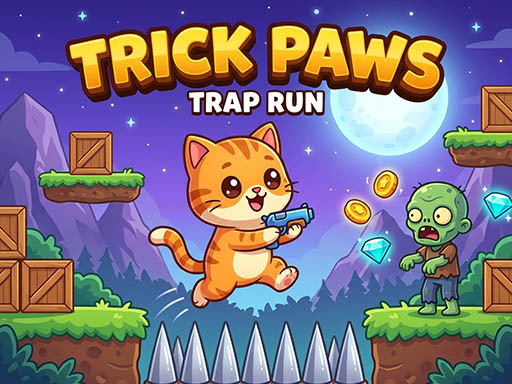
Play TRICK PAWS: Trap Run, a cat platformer with hidden traps, double jumps and a blaster. Learn each route and reach the yellow flag.

Touch controls available

Ragdoll Survivor

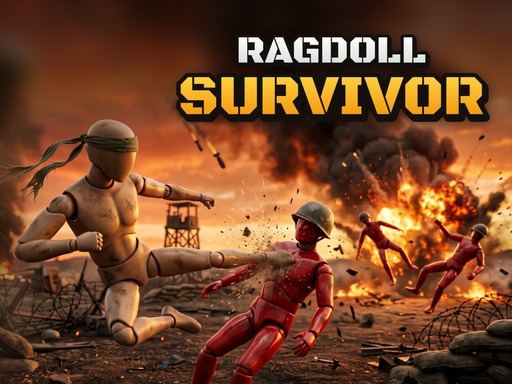
Play Ragdoll Survivor, a stickman combat game with punches, blocking, dashes and falling hazards. Take on campaign missions or an endless run.

Touch controls available

Crumple Rumble

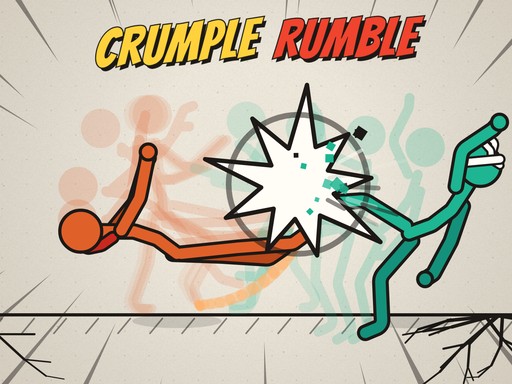
Play Crumple Rumble, a notebook-paper fighting game with combos, improvised weapons, specials and local two-player battles.

Touch controls available

Haunted Panic

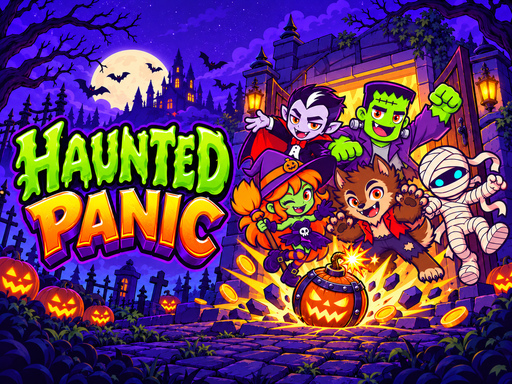
Play Haunted Panic, a Halloween reaction game. Zap monsters, spare friendly ghosts and protect twelve doors across three screens.

Touch controls available

Bus Mania: Parking Puzzle

Play Bus Mania: Parking Puzzle online. Free vehicles from the traffic jam, match their colors to the passenger queue and keep the loading bays open.

Desktop recommended

Drunken Boxing

Trade wobbly punches in Drunken Boxing. Manage your energy and face the computer or a friend on the same keyboard.

Desktop recommended

Boxing Random

Play Boxing Random, a one-button physics boxing game with changing arenas, long arms and rocket punches.

Touch controls available

Ragdoll Duel: Boxing

Enter Ragdoll Duel: Boxing for physics-driven fistfights, a charged Super Punch and local two-player matches.

Desktop recommended

Ragdoll Duel 2P

Time your shots in Ragdoll Duel 2P. Fight the computer, earn coins or share the keyboard for a physics gun duel.

Touch controls available

Drunken Duel

Play Drunken Duel, a one-button western shootout with swaying ragdolls and solo or local two-player matches.

Desktop recommended

Funny Ragdoll Wrestlers

Play Funny Ragdoll Wrestlers with punches, head strikes and unstable physics. Challenge the computer or a friend.

Desktop recommended

Ragdoll Soccer

Swing into Ragdoll Soccer, a rope-based physics football game with solo puzzles and local two-player matches.

Desktop recommended

Ragdoll Fighter

Battle with swinging weapons in Ragdoll Fighter. Learn movement, try the game modes and improve your fighter.

Touch controls available

Stickman Dismount

Launch a stickman into obstacle courses in Stickman Dismount, a ragdoll physics challenge built around repeat attempts.

Desktop recommended