Stickman Dismount

Stickman Dismount

Launch a stickman into obstacle courses in Stickman Dismount, a ragdoll physics challenge built around repeat attempts.

Each attempt turns a launch into a chain of collisions. Change your setup, watch the result and compare the score. The appeal is in experimenting with the course rather than controlling a fighter throughout a match.

Developer: Lich.Games · Game supplied by GameMonetize

Controls

Use the mouse and the on-screen buttons to choose a level and start a launch.

This version is best played on a computer with a keyboard and mouse.

Stickman Dismount: Gameplay video

Watch the first impact and the collisions it leads to. Use the sequence to decide what to change in your next attempt on the same course.

Gameplay footage supplied by GameMonetize

How to play: Stickman Dismount

Try the available courses and improve your score across attempts.

1

Choose a course

Use the mouse and the game’s on-screen buttons to select one of the available levels.

2

Make a first attempt

Start a launch and let the physics play out so you have a result to compare.

3

Watch the first impact

Notice where the stickman first hits an obstacle and which direction it sends the body.

4

Read the score

Record the result mentally before changing the setup for the next attempt.

5

Change one choice

Keep the course the same and adjust one available setup option at a time.

6

Compare and repeat

Keep a useful change, then try another course when you understand the current route.

Questions & answers

Stickman Dismount

Is this a fighting game?

No. This is a single-player physics and score challenge built around launches and obstacle collisions.

How do I control it?

Use the mouse and the on-screen buttons to select a level and start an attempt.

Are there different levels?

Yes. The supplier lists multiple levels. Choose among the courses available in this embedded version.

Does it include every feature from other Dismount games?

This page embeds Stickman Dismount by Lich.Games. Use its own menu to see the available options; similarly named games can have different features.

Can I play on a phone?

This version is best played on a computer with a keyboard and mouse.

Do I need an account to play?

You can start the embedded game without a Ragdoll Hit account. The game may show its publisher’s ads.

Tips & strategy

Treat a launch as an experiment

The challenge follows a stickman through a chain of physics collisions. Once launched, watch the sequence instead of expecting continuous fighter-style control. A failed-looking start can still reveal how the course redirects the body.

Start with the first collision

Later impacts depend on what happened earlier. When two attempts take different routes, compare their first obstacle contact. This is usually easier to read than trying to explain the whole tumble at once, especially while learning a new course.

Use one course as a benchmark

The game includes multiple levels, but switching after every attempt makes score comparisons less useful. Stay with one course long enough to recognize a repeatable route. Then use that understanding to explore another set of obstacles.

Change one available setting at a time

Use the options actually shown in this version’s interface. Keep the other choices steady, start another attempt and compare the outcome. This helps identify what improved the run without assuming that features from similarly named dismount games are present.

Game modes

Single-player physics challenges.

Game references

Controls and rules follow the creator and supplier references below. The strategy above suggests ways to practice these mechanics.
More games to play

All games →

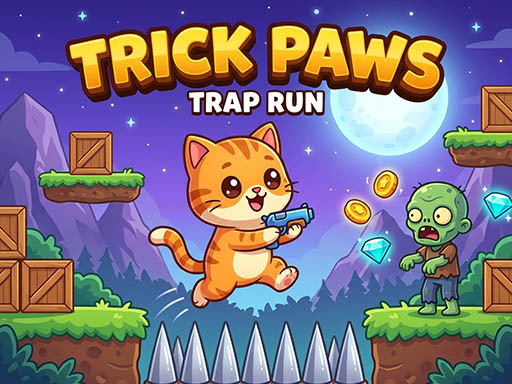
TRICK PAWS

Play TRICK PAWS: Trap Run, a cat platformer with hidden traps, double jumps and a blaster. Learn each route and reach the yellow flag.

Touch controls available

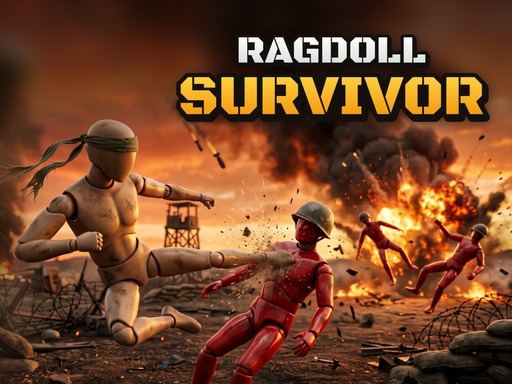
Ragdoll Survivor

Play Ragdoll Survivor, a stickman combat game with punches, blocking, dashes and falling hazards. Take on campaign missions or an endless run.

Touch controls available

Crumple Rumble

Play Crumple Rumble, a notebook-paper fighting game with combos, improvised weapons, specials and local two-player battles.

Touch controls available

Haunted Panic

Play Haunted Panic, a Halloween reaction game. Zap monsters, spare friendly ghosts and protect twelve doors across three screens.

Touch controls available

Bus Mania: Parking Puzzle

Play Bus Mania: Parking Puzzle online. Free vehicles from the traffic jam, match their colors to the passenger queue and keep the loading bays open.

Desktop recommended

Drunken Boxing

Trade wobbly punches in Drunken Boxing. Manage your energy and face the computer or a friend on the same keyboard.

Desktop recommended

Boxing Random

Play Boxing Random, a one-button physics boxing game with changing arenas, long arms and rocket punches.

Touch controls available

Ragdoll Duel: Boxing

Enter Ragdoll Duel: Boxing for physics-driven fistfights, a charged Super Punch and local two-player matches.

Desktop recommended

Ragdoll Gangs

Brawl, grab and throw in Ragdoll Gangs. Play solo adventure stages or challenge a friend in the arena.

Desktop recommended

Ragdoll Duel 2P

Time your shots in Ragdoll Duel 2P. Fight the computer, earn coins or share the keyboard for a physics gun duel.

Touch controls available

Drunken Duel

Play Drunken Duel, a one-button western shootout with swaying ragdolls and solo or local two-player matches.

Desktop recommended

Funny Ragdoll Wrestlers

Play Funny Ragdoll Wrestlers with punches, head strikes and unstable physics. Challenge the computer or a friend.

Desktop recommended

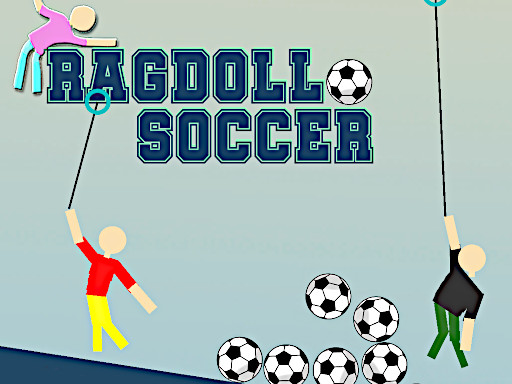
Ragdoll Soccer

Swing into Ragdoll Soccer, a rope-based physics football game with solo puzzles and local two-player matches.

Desktop recommended

Ragdoll Fighter

Battle with swinging weapons in Ragdoll Fighter. Learn movement, try the game modes and improve your fighter.

Touch controls available